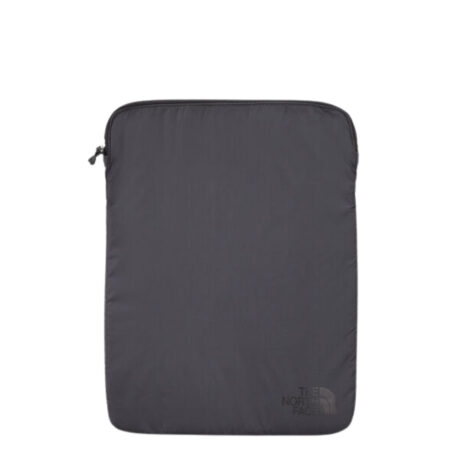
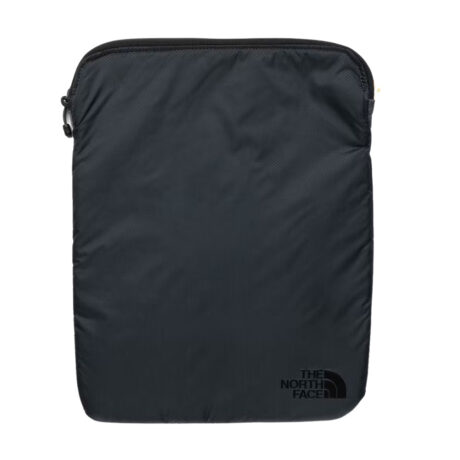
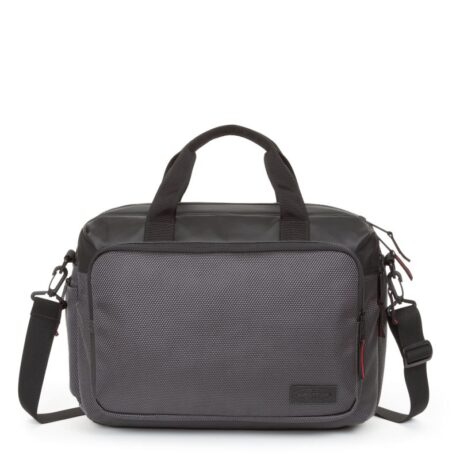
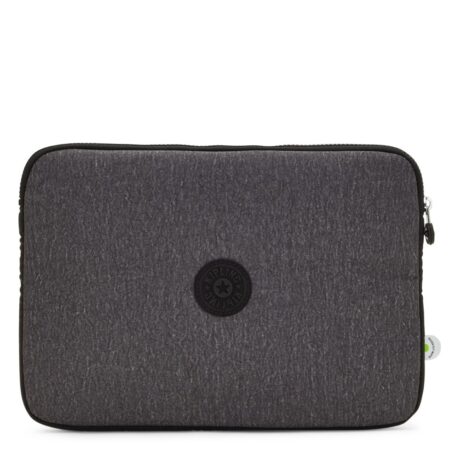
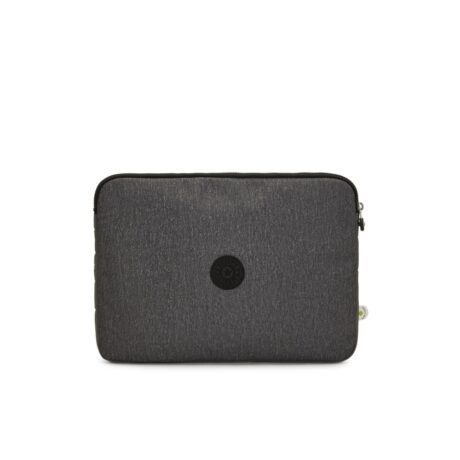
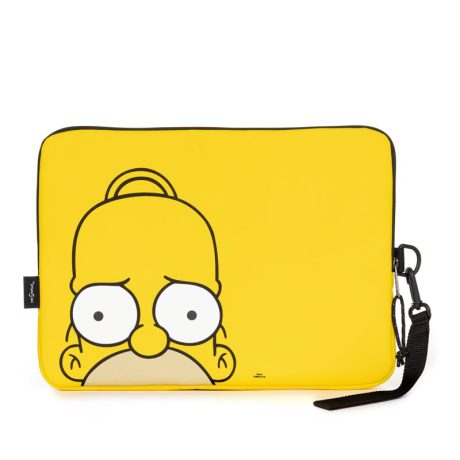
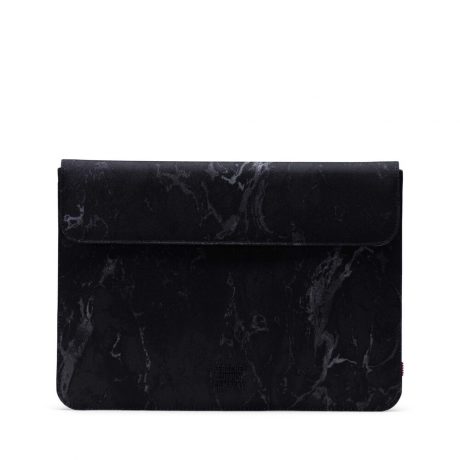
Shop laptop sleeves online in Jordan at Champions and choose a cover that fits the device you carry. Compare your laptop’s actual width, depth and thickness with the sleeve’s internal space, including any fitted case. A suitable sleeve should close comfortably without pressing against the device or leaving more movement than the design intends.
Think about whether the sleeve will sit inside a backpack or be carried separately. Opening style, padding and any additional storage can change how it works in your routine. Buy laptop sleeves and cases online with free delivery across Jordan, or visit Champions in Abdoun Circle, Amman, to explore the options.
Compare your device’s actual dimensions with the sleeve’s internal measurements. Include any fitted case, and allow enough room for the closure to work comfortably.
A sleeve usually provides a close-fitting cover, often carried inside another bag. A laptop bag can add handles, straps or storage for accessories.
No. Those are specific performance claims. Rely on the protection features stated for the individual sleeve rather than assuming padding guarantees them.
Not necessarily. Screen size does not describe the whole laptop body, and devices can differ in width and thickness. Compare actual internal sleeve dimensions with your device, including any case, before choosing the fit.
It should hold the device as intended while allowing comfortable insertion and closure. A sleeve that is too tight can place unwanted pressure on the zip or device, while excess space can allow movement. Follow the manufacturer’s dimension and fit guidance.
Only if the sleeve has suitable space or a compartment intended for accessories. Avoid forcing a charger against the device or overfilling the closure. Compare the full design and use a separate organiser when appropriate.